14-09-2022
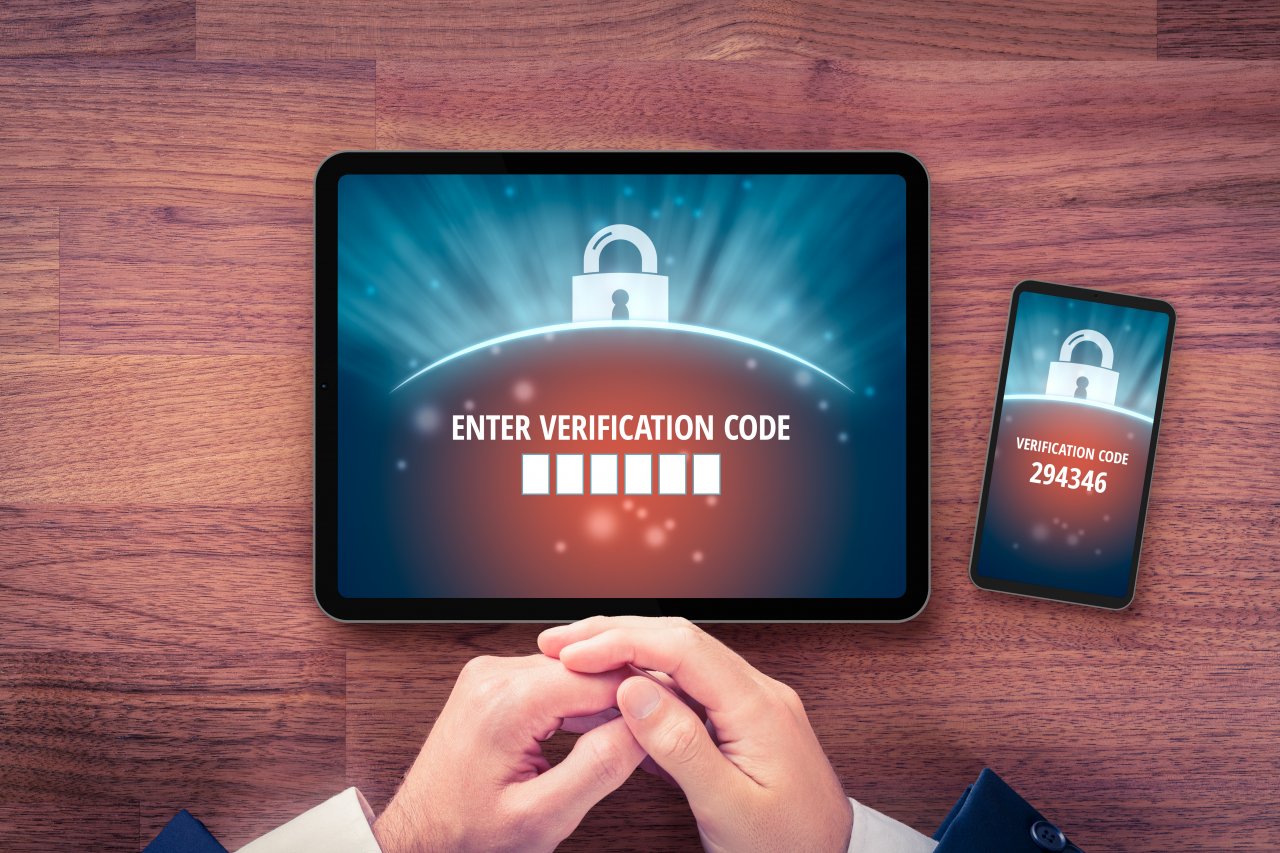
You are probably used to having to enter a username and password when logging in. To improve the security of your account, it is recommended to use MFA (Multi Factor Authentication). This means that in addition to your password you must also enter a code, for example, that you receive on your phone via an SMS message.
This ensures that someone with malicious intentions who knows your username and password cannot log in. That person needs the code on your phone in order to proceed. This ensures that access is not granted via one device alone, but via two devices. Hence divide and conquer; divide between several devices for maximum security!
MFA is therefore recommended and, where possible, obligatory within Vion. But how do you set up MFA?
Step 1: Navigate to your account
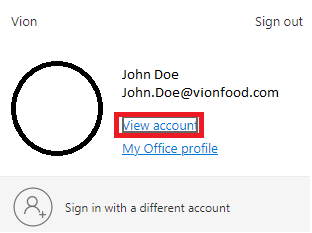
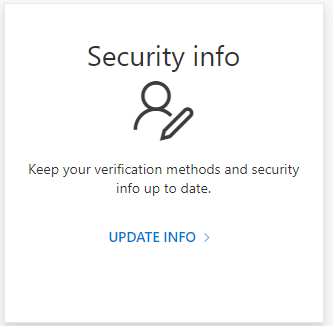
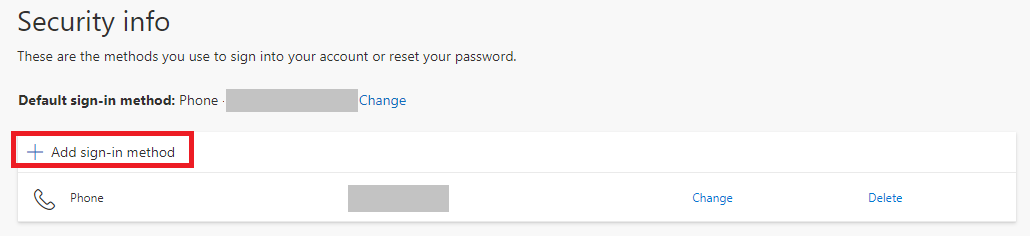
You have now set up MFA and have made your (and Vion's) data much more secure. In combination with the tips provided in the previous newsletter, you will ensure that you make a significant contribution to our IT security.